
Best ADHD planner app: what Reddit recommends
In ADHD threads on Reddit, TickTick, Structured, Todoist and Apple Reminders receive recommendations, Tiimo has loyal fans and vocal leavers, and Amazing Marvin wins people willing to set it up. A recurring request is an app that does not become a second job and copes when the day slips.
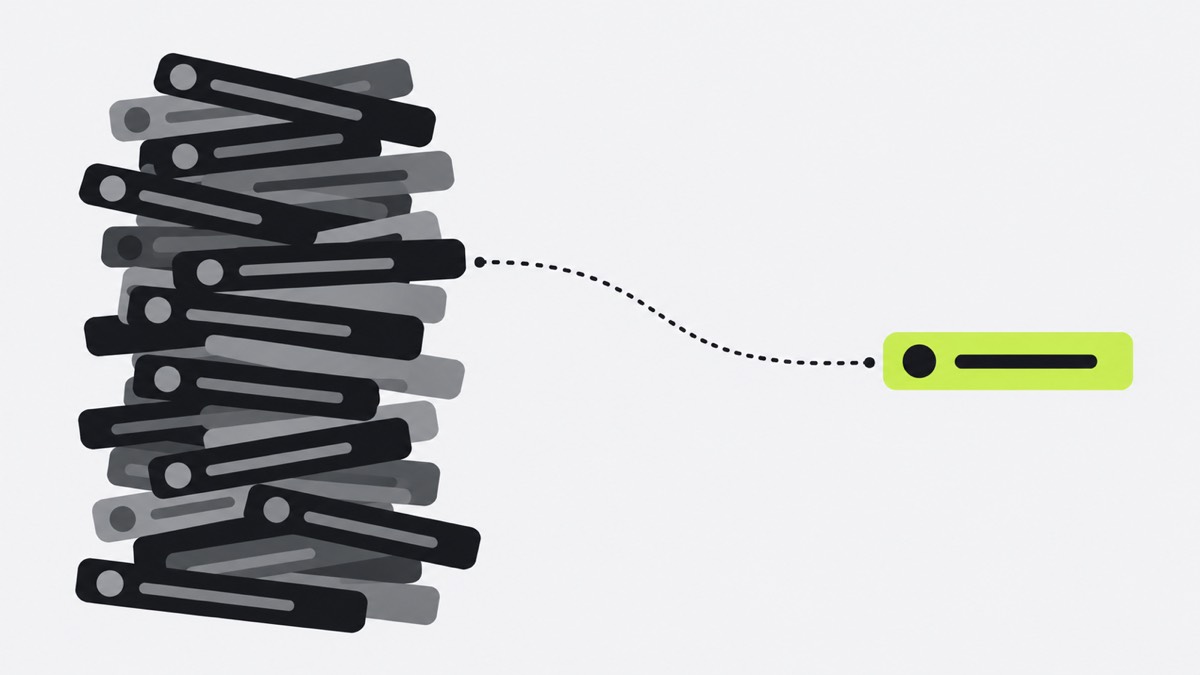
What ADHD users complain about
- Setup becomes the task. “I spend forever tweaking the system.” (March 2025)
- Falling behind means rebuilding the day. “I have to spend 5 minutes dragging every single block forward” (September 2026)
- Reminders miss or pile up. One app “doesn’t notify me of the next task” (May 2026); elsewhere, so many alerts fire that people tune them out.
- Features change under you. Users report redesigns that removed the routines they relied on.
What they love
Seeing the day laid out, reminders that stay in sight, and timers that run without being started: “the timers automatically start at the set times for each task” (December 2025).
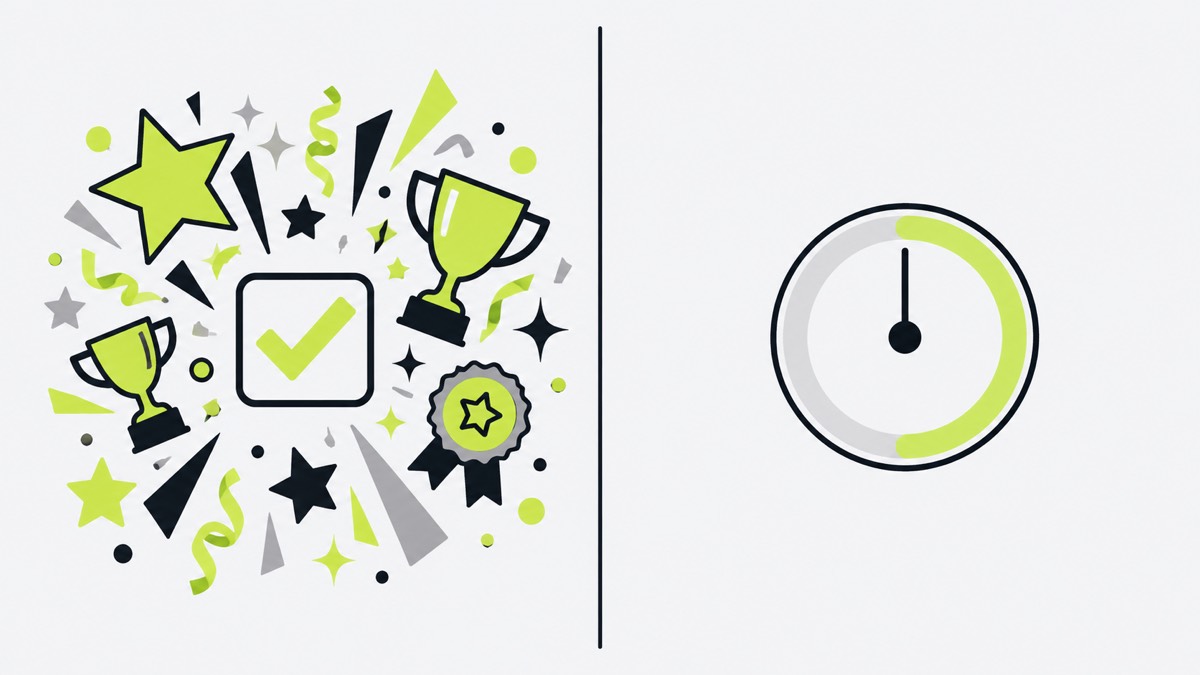
Preferences also clash. Some want rewards, color and someone checking in. Others want quiet timers, fewer notifications and less on screen. No single “ADHD-friendly” design wins on Reddit, so pick for how your own attention works.
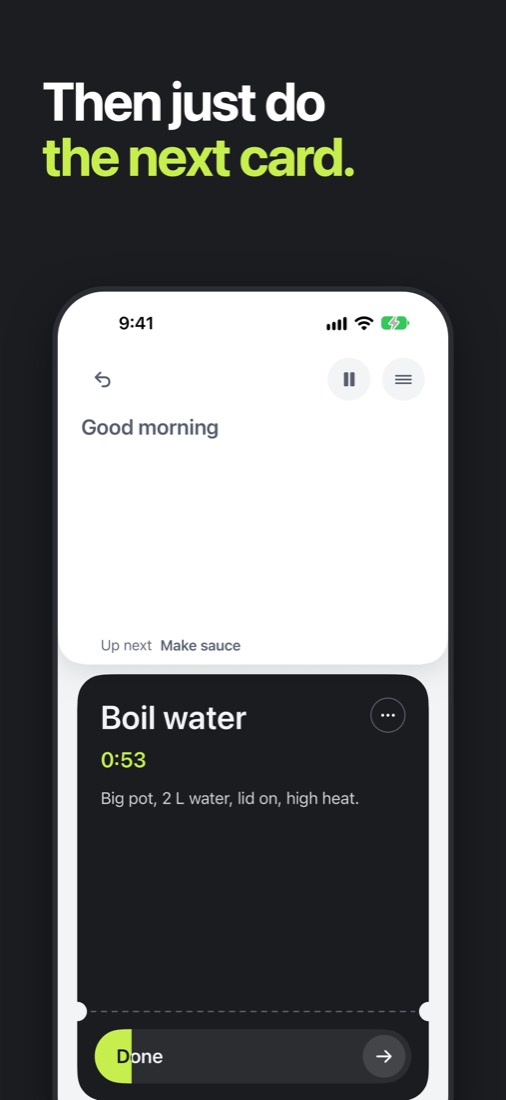
ADHD planner app for iPhone: where one-by.one is different
One task at a time keeps coming up:
- Atom1c gets praise because you “ONLY SEE ONE AT A TIME” (July 2025).
- Amazing Marvin is recommended for isolating the smallest subtask.
- A Claude project shows one timeboxed task and carries the rest to tomorrow.
one-by.one works the same way. It is not a medical app.
- No system to tweak. Your own AI (ChatGPT, Claude or another assistant with custom connectors) plans the day around your calendar and adds travel and prep (setup).
- One card, not a list. Start, Done, Skip, and Undo for a mis-tap.
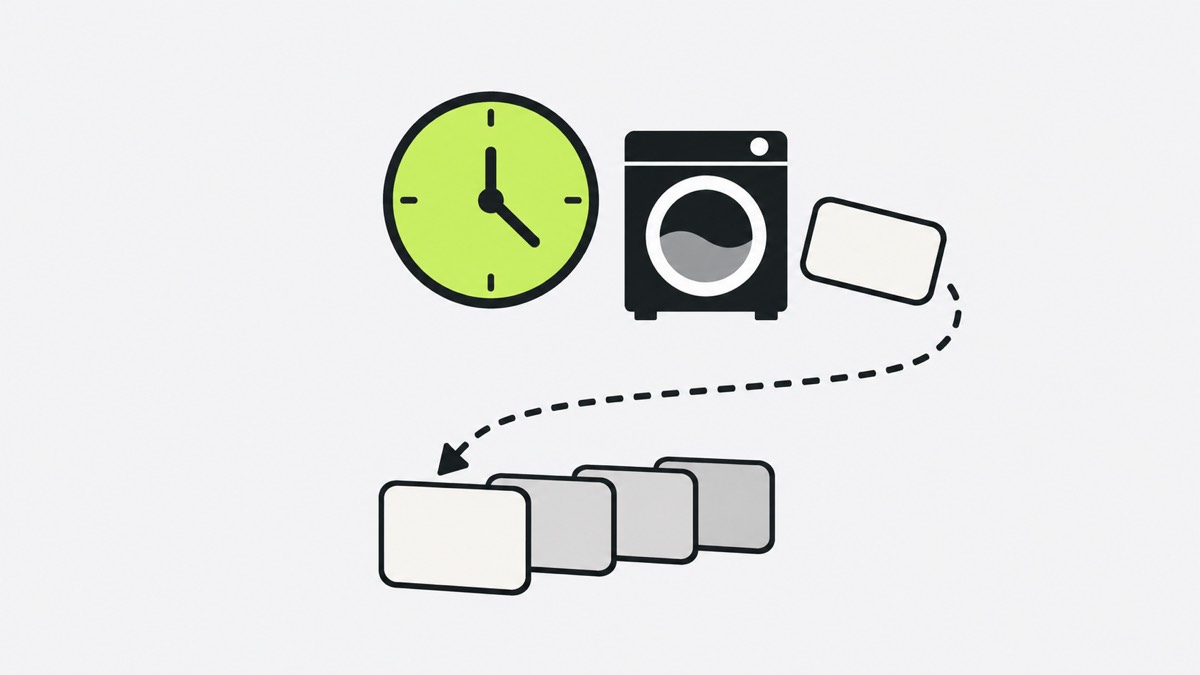
Waits do not get lost. Start the laundry and its 45 minutes keep counting while you answer an email; then the dryer card comes back.
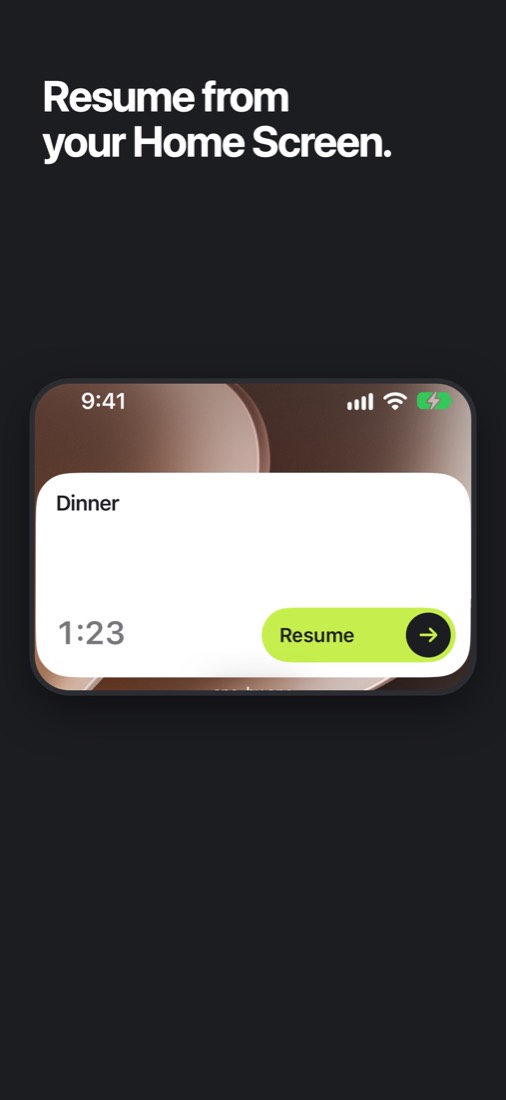
No dragging blocks: Catch-up ticks off recent cards at once, and your AI re-plans the rest when you ask. Start or finish the current card from a Home Screen or Lock Screen widget without opening the app; on the Home Screen you can also skip it.
Where one-by.one is not better
- $12.99 a month or $59.99 a year (14-day free trial on yearly for eligible new subscribers).
- You need your own AI assistant.
- No visual timeline or week view, which many ADHD users love.
- No team features.
- iPhone only, English only, and new: just out on the App Store.
Pick the ADHD to-do list app that fits
- Structured or Tiimo if you want to see the day. “As someone with ADHD it helps a ton to have my day visualized.” (June 2025)
- TickTick if you want tasks, habits and a calendar in one app, without much setup.
- Todoist for a calm list, or Apple Reminders if you want nothing new to pay for.
- Amazing Marvin if setup does not scare you.
- one-by.one if your AI should plan and your phone show one card at a time.