
Best planner app 2026: what Reddit recommends
Reddit users recommend TickTick for tasks and habits, Google Calendar for time-blocking, and Structured for a visual day. The complaints are just as steady: keeping a planner tidy turns into a job, and even AI planners leave you fixing the day by hand.
What Reddit users complain about
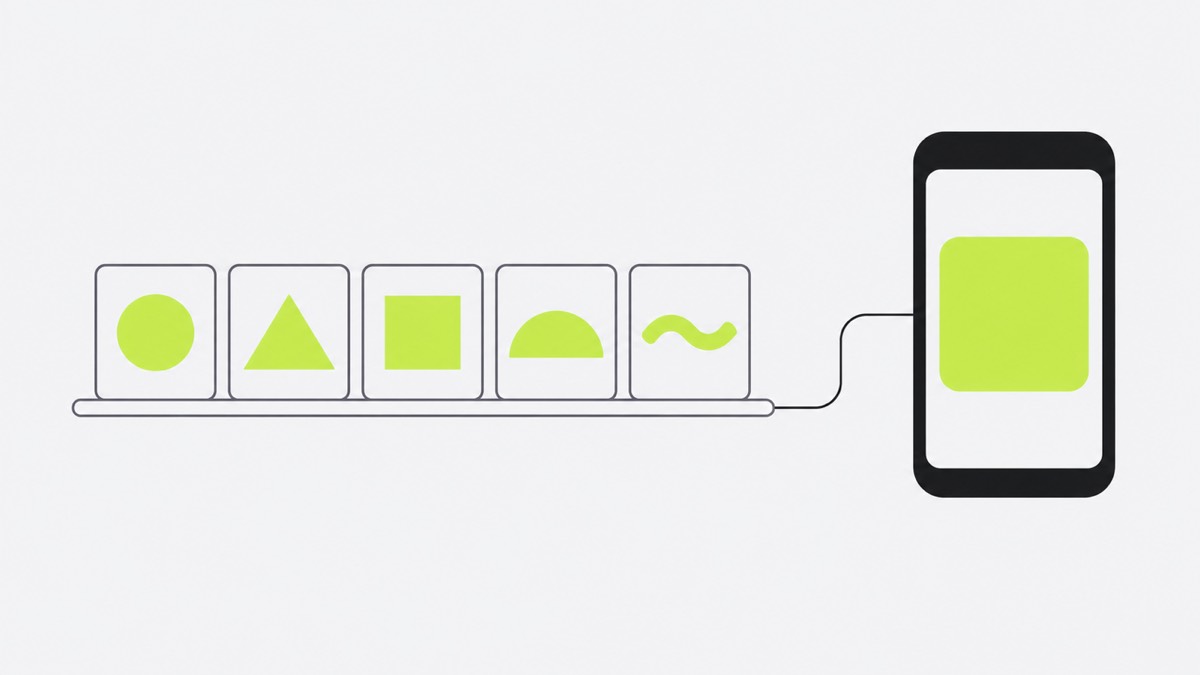
- The planner becomes the job. Tidying the system crowds out the work: “the daily ritual becoming a 20-minute chore.” (July 2026)
- Price and trials. Users want to try before paying, but one app “makes you sign up for a paid plan before you can even try it” (March 2025)
- Calendars in pieces. Tasks and calendars that do not sync mean double upkeep. People want one place, “not managing two separate systems” (April 2026)
- Bugs. Sync failures and blank widgets break trust: “the widgets are always spontaneously empty on my phone.” (February 2025)
- AI planning still needs repair. A Sunsama user found that much of the planning remained manual: “you still have to do most of the planning yourself” (June 2025)
What they love
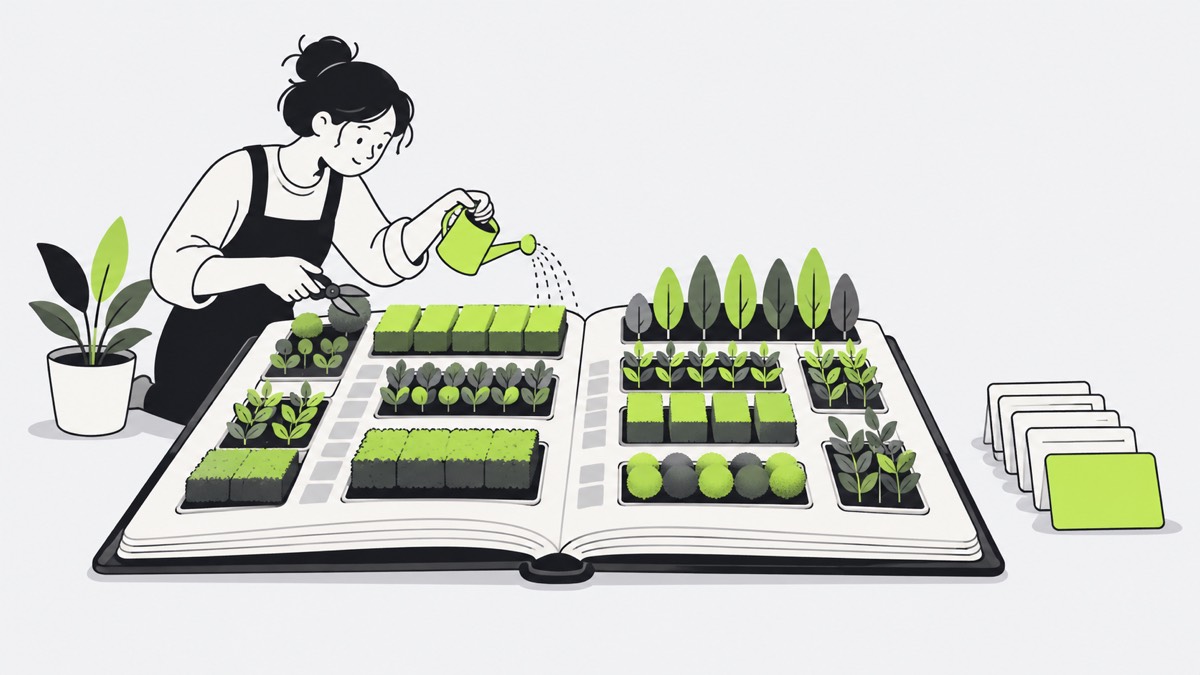
Speed beats feature lists: people stay with the quickest app. They like a day cut down to what fits; Sunsama “keeps you honest about not overplanning” (September 2026). Reminders that stay in sight get warm reviews too.
AI planner apps: where one-by.one is different
Many people already plan in ChatGPT or Claude: an energy check, time estimates, a calendar screenshot, then back for the next step. One ChatGPT user: “My days have been SO much more productive.” (January 2025)
What they still want is an assistant that picks one task and parks the rest. Under a post about a Claude project that shows one task at a time, a commenter wrote: “A ranked list still leaves every task mentally active for me.” (October 2026)
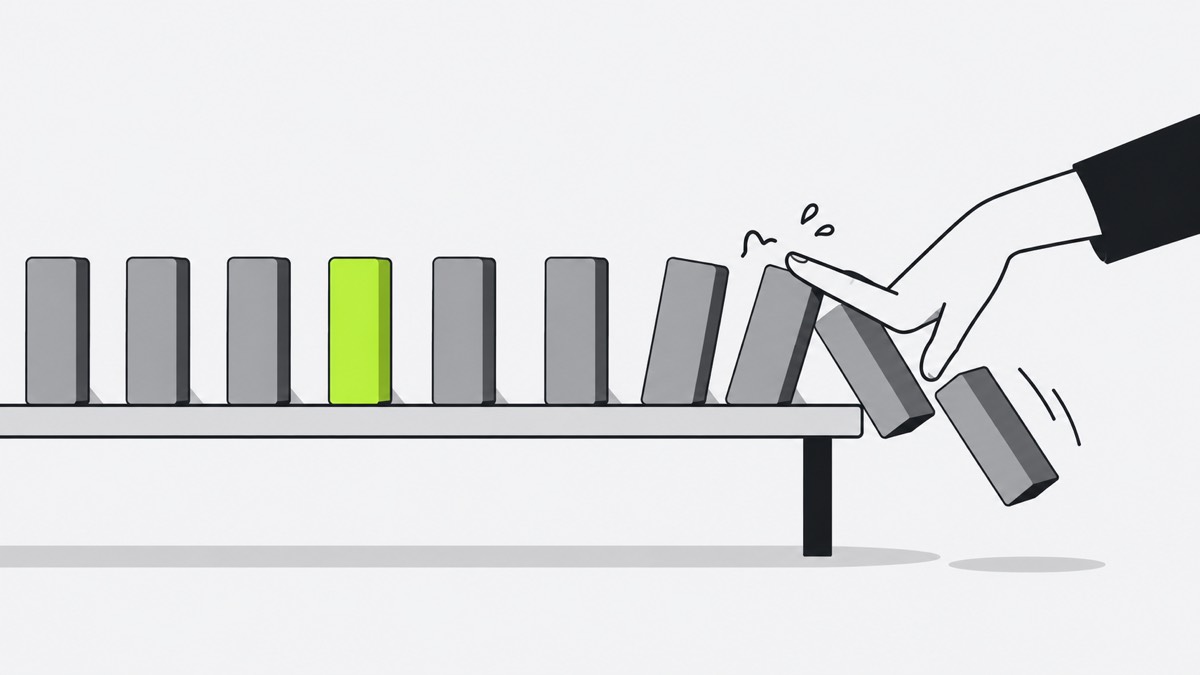
- No planner to tend. Your own AI (ChatGPT, Claude or another assistant with custom connectors) plans the day, fitting habits between events and to-dos and adding travel and prep (setup).
- One calendar. The AI reads your events; with “Hide event names” on, it sees only the times.
- The next action, not a ranked list. The iPhone app shows one card at a time: Start, Done, Skip, and Undo for a mis-tap. A 45-minute laundry wait keeps counting while you do the next card, then the dryer card comes back.
- When the day slips. Catch-up ticks off recent cards at once; your AI re-plans the rest when you ask.
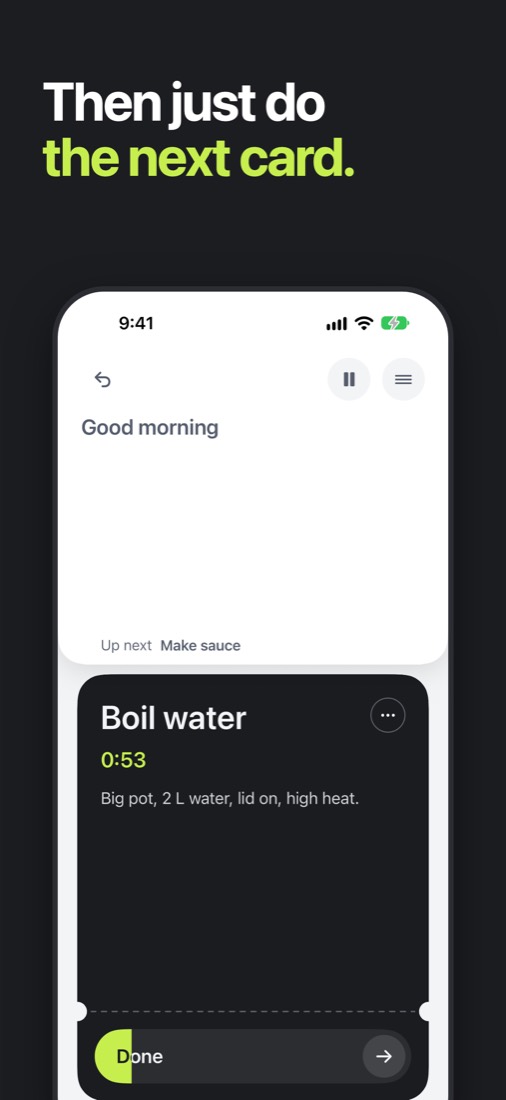
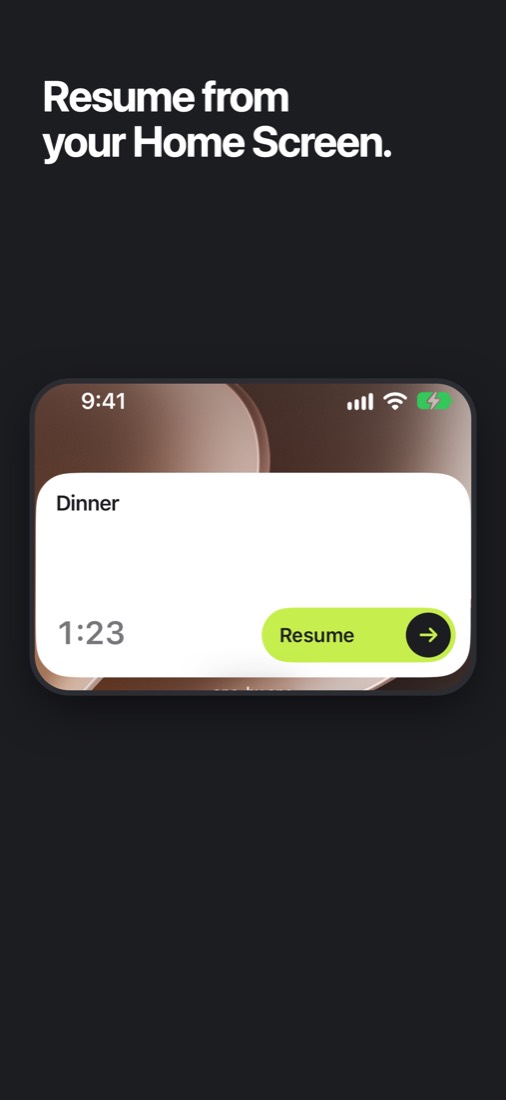
Start or finish the current card from a Home Screen or Lock Screen widget without opening the app; on the Home Screen you can also skip it. The small widget shows in StandBy.
Where one-by.one is not better
- $12.99 a month or $59.99 a year (14-day free trial on yearly for eligible new subscribers).
- You need your own AI assistant.
- iPhone only, English only.
- No visual timeline, week view or team features.
- It is new: it just came out on the App Store.
Planner apps Reddit users recommend
- TickTick if you want tasks, habits and a calendar in one app.
- Google Calendar if you time-block, with Todoist or Things 3 as a clean, fast list beside it.
- Structured if you think in timelines.
- Sunsama if you like a morning planning ritual that trims the backlog to today.
- one-by.one if your AI should plan and your phone show only the next step.