
Daily routine app for iPhone: Routinery, Tiimo and Structured reviews
For a morning that runs the same every day, Routinery’s routines provide a timer for each routine step. For routines squeezed between meetings, people pick Structured or Tiimo, and the complaints there are about routines that vanish, alerts that misfire and widgets that go blank.
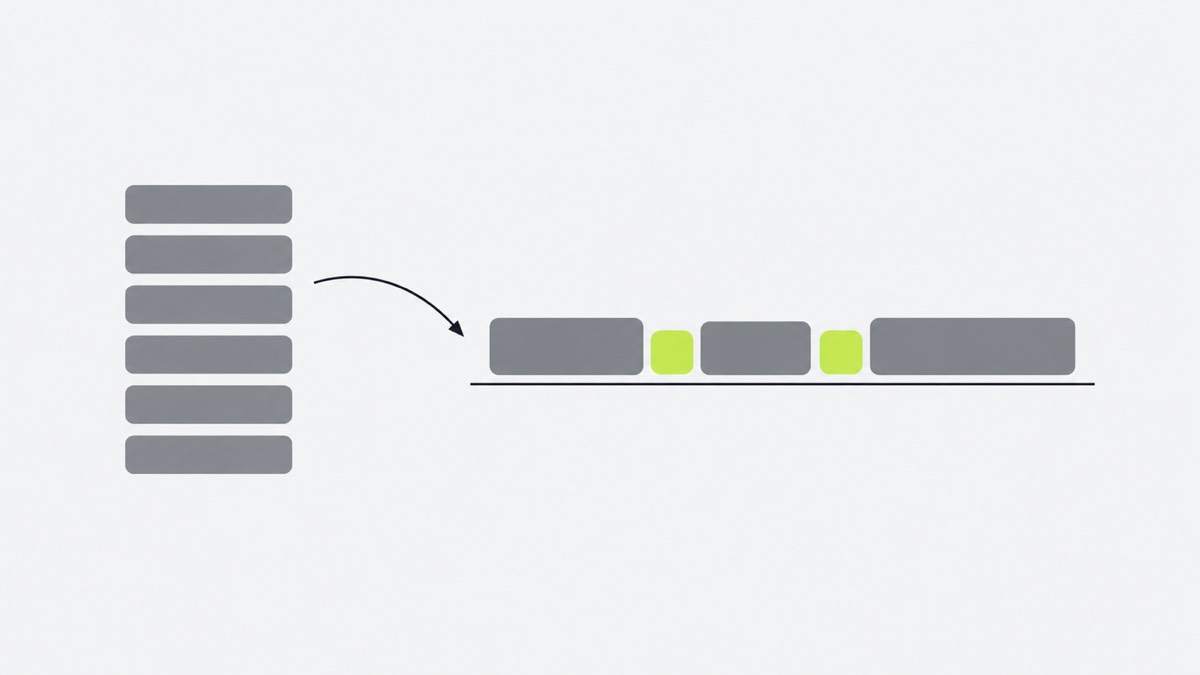
What users complain about in routine apps
- Routines taken away. Tiimo users reported losing grouped routines: “good luck with Tiimo as they removed Routines from the app” (March 2025). In Structured, routines and recurring tasks are Pro features.
- Alerts that miss. A Tiimo user says it “doesn’t notify me of the next task” (May 2026).
- Blank widgets. A Structured user: “the widgets are always spontaneously empty on my phone.” (February 2025)
- Falling behind. One late morning means moving the whole day: “I have to spend 5 minutes dragging every single block forward” (September 2026)
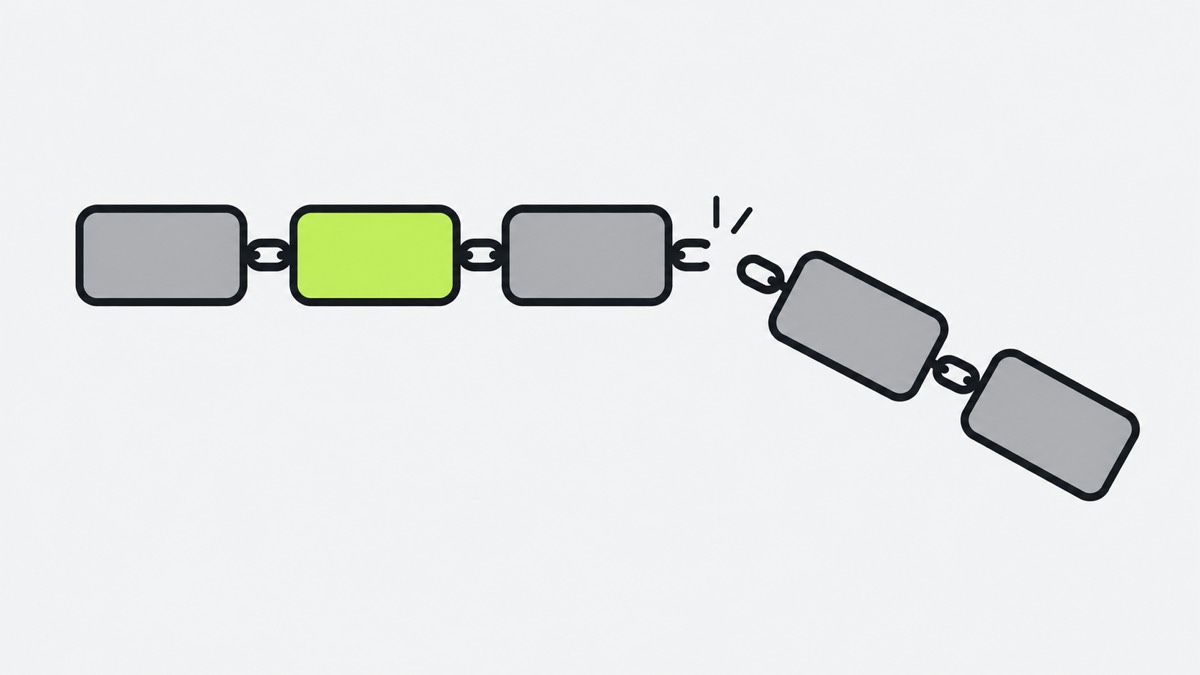
What they love
- Routinery: one step at a time with a timer, and it runs on Apple Watch.
- Tiimo: timers that start by themselves, “at the set times for each task” (December 2025).
- Structured: the whole day on one visual timeline, with widgets that save opening the app.
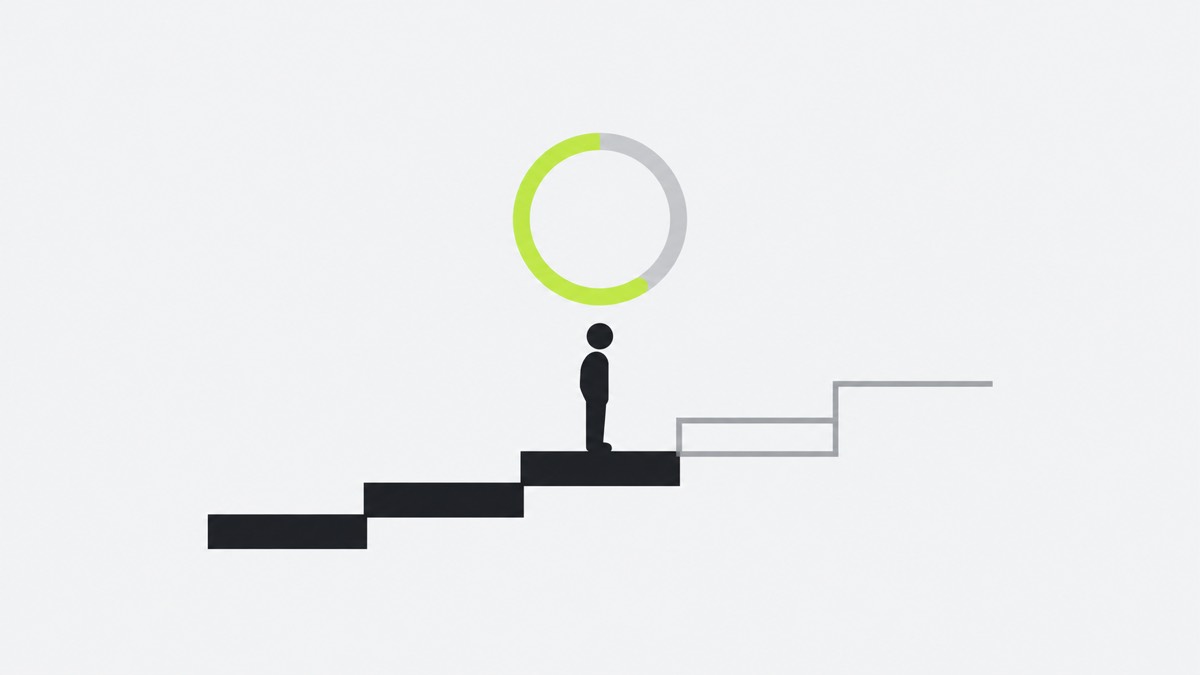
Where one-by.one is different
- No routine to rebuild. Your own AI (ChatGPT, Claude or another assistant with custom connectors) knows your habits and fits them between calendar events and to-dos each day, with travel and prep added (setup).
- One card at a time. Start, Done, Skip, and Undo for a mis-tap.
- Waits keep counting. Start the laundry and its 45 minutes run while you do the next card; hanging it up comes back when they end.
- Behind? Catch-up ticks recent cards done at once, and your AI re-plans the rest when you ask.
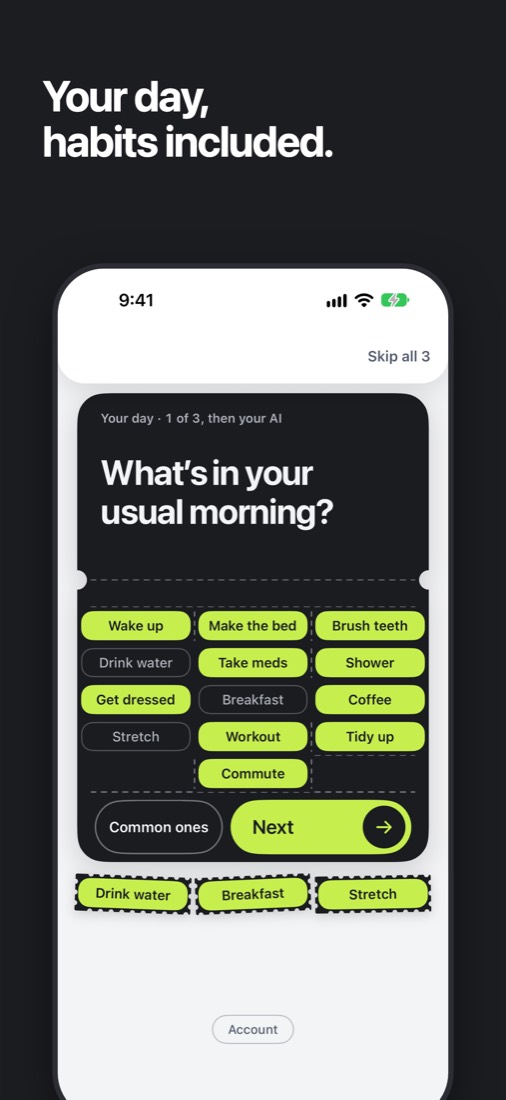
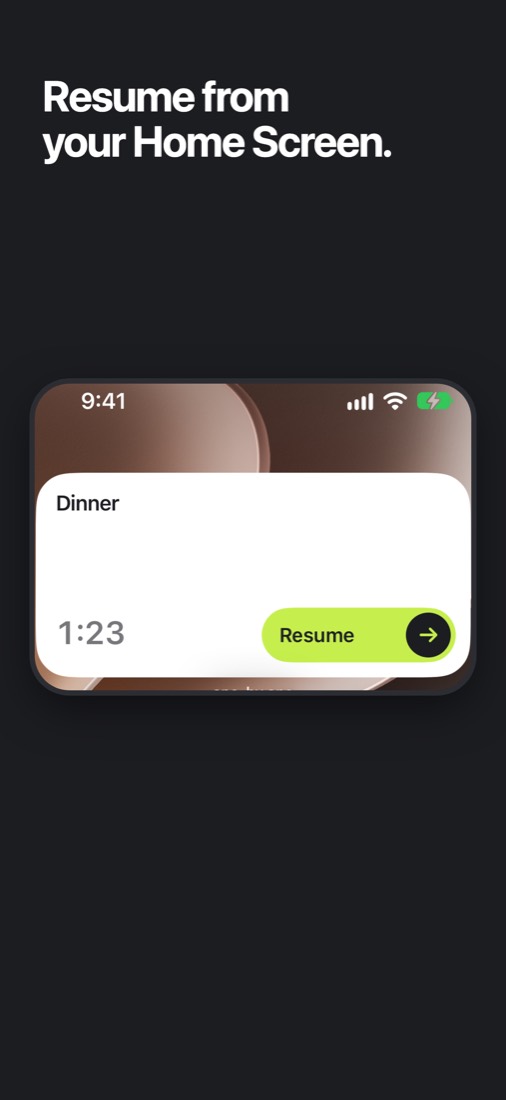
Start or finish the current card from a Home Screen (small or medium) or Lock Screen widget without opening the app; on the Home Screen you can also skip it. The small one shows in StandBy.
Where one-by.one is not better
- No free tier: $12.99 a month or $59.99 a year (14-day free trial on yearly for eligible new subscribers). Structured is free for the timeline, timer and widgets, and Tiimo’s free tier has a selection of planning tools.
- You need your own AI assistant.
- iPhone only, English only, no Apple Watch app.
- No visual timeline, week view or team features.
- It is new. Routinery has 18,136 ratings; one-by.one just came out on the App Store.
Which daily routine app to pick
- Routinery if your morning is the same every day and you like a step timer, on iPhone or Watch.
- Structured if you want to drag routines around a timeline yourself.
- Tiimo if you want a calm visual day with timers that start on their own.
- one-by.one if your days change and you would rather your AI fit the routine in, with your phone showing only the next step.