
Structured App Review 2026: What Reddit Says
Structured users on Reddit like seeing the day as a timeline and glancing at it from widgets, but report widgets that go blank and minutes spent dragging every block forward after falling behind. If that is your sticking point, one-by.one, our app, is a different kind of Structured alternative: your own AI plans and re-plans the day, and your iPhone shows one card at a time.
Structured is a visual timeline planner for iPhone, iPad, Mac, Apple Watch and Vision Pro, rated 4.8 from about 168,000 ratings on the App Store. The free version has the timeline, inbox, timer and widgets; Pro adds calendar sync, recurring tasks, AI planning and Replan.
Structured app review on Reddit: what users complain about
- Blank widgets. Users report empty widgets and widget check-offs that do not match the app: “the widgets are always spontaneously empty on my phone.” (February 2025).
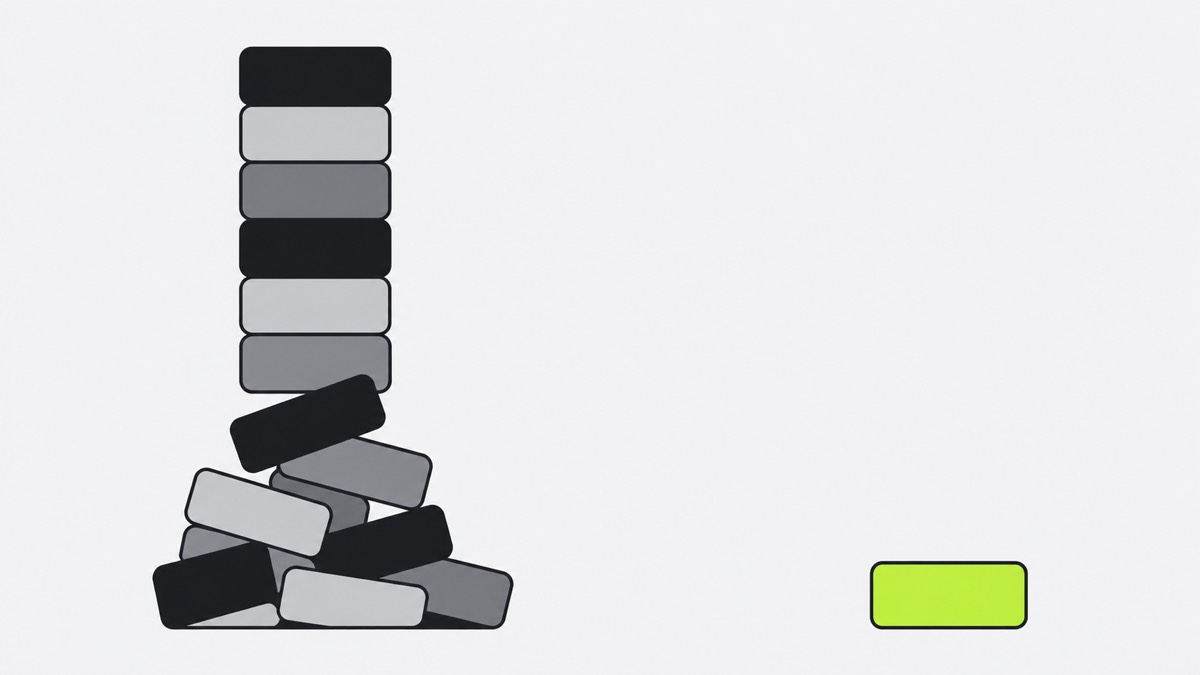
- Dragging after a slip. Some users report manually shifting blocks after falling behind: “I have to spend 5 minutes dragging every single block forward” (September 2026).
- Sync gaps. “Inbox tasks on one device never make it to the next.” (September 2025).
- Hard-to-read week and month views. “My brain just can't make sense of the new weekly view” (March 2025).
What Structured users love
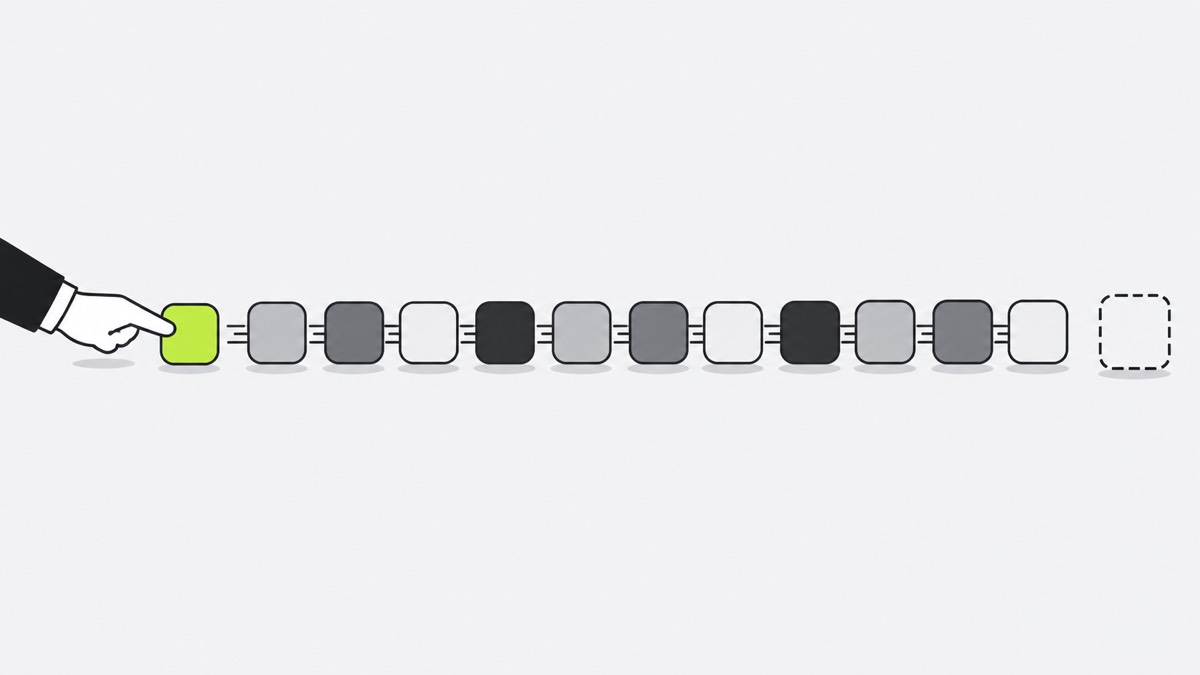
Seeing the day laid out is the big draw, one user writing “As someone with ADHD it helps a ton to have my day visualized.” (June 2025). Others like widgets that show the time left between tasks, so they barely open the app, and drag-and-drop for moving a single task.
Structured alternative: where one-by.one is different
In one-by.one you do not place blocks on a timeline. Your own AI plans the day: ChatGPT, Claude or another assistant that supports custom connectors, set up once on the Connect page. It fits habits between calendar events and to-dos and adds travel and prep.
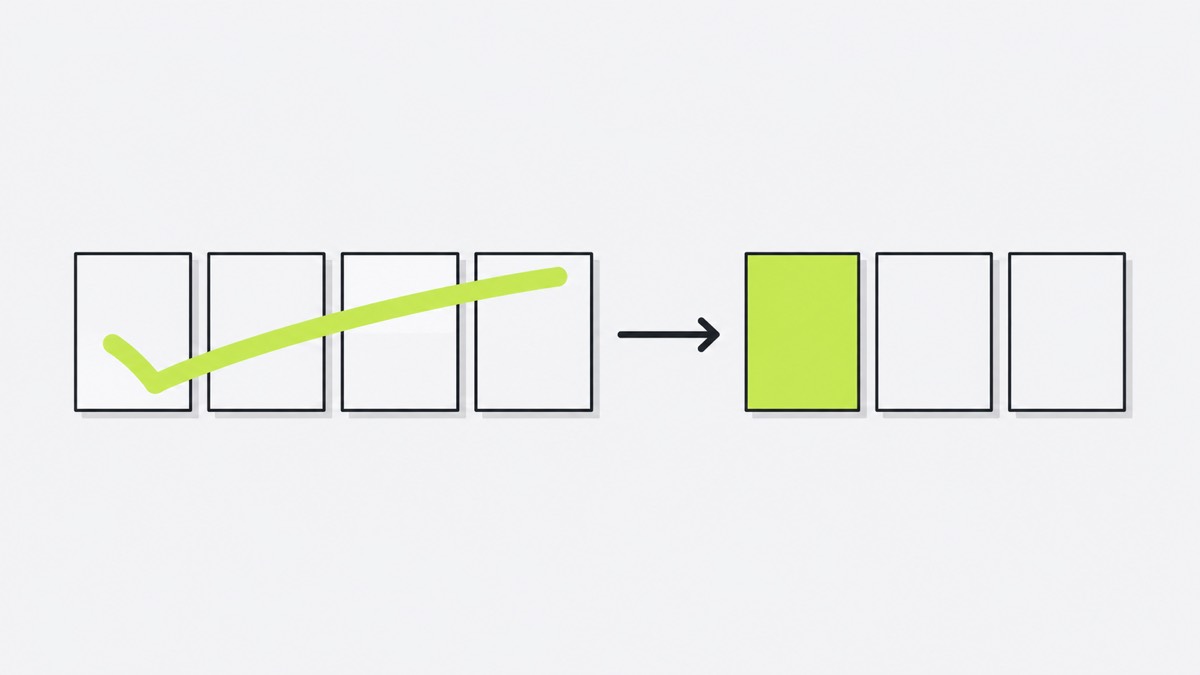
- Falling behind. Catch-up lets you tick recent cards done at once. Then ask your AI to re-plan the rest of the day. No blocks to drag.
- One card, not a grid. The phone shows only the current card, with Start, Done and Skip, and Undo for a mis-tap. There is no week view to decode.
- Waits keep counting. The laundry’s 45-minute wait keeps counting while you do the next card, then moving it to the dryer comes back as its own card.
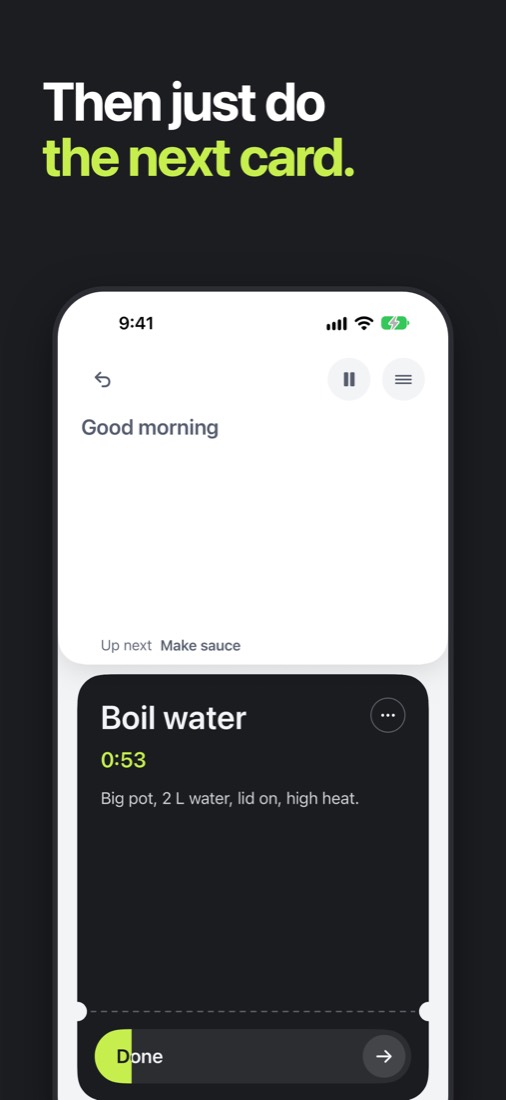
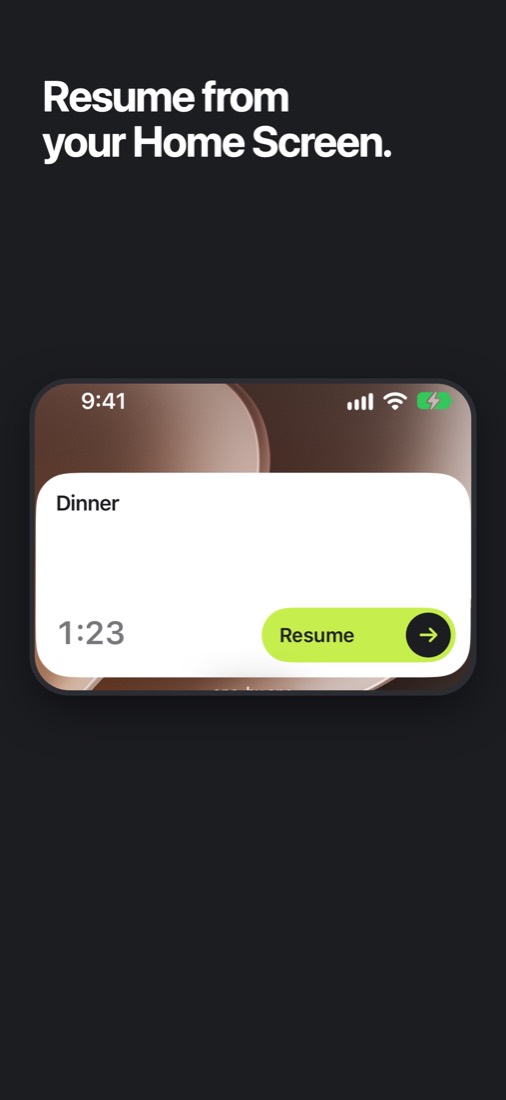
Widgets come up in Structured threads both as a favorite and as a complaint. one-by.one’s Home Screen widgets (small and medium) and Lock Screen widget show the current card. Start or finish it from either without opening the app; on the Home Screen you can also skip it. The small widget also shows in StandBy.
Where one-by.one is not better
- It costs money. $12.99 a month or $59.99 a year, with a 14-day free trial on yearly for eligible new subscribers. Structured has a free version.
- You need your own AI. Structured works without one.
- iPhone only, in English. Structured also runs on iPad, Mac, Apple Watch and Vision Pro.
- No timeline, week view or drag-and-drop, the things Structured fans like most.
- No team features, and it is new. It just came out on the App Store, with no ratings yet. It is also not a medical app.
Structured or one-by.one: which to pick
- Pick Structured if you want to see and drag your whole day on a timeline, free, across Apple devices.
- Pick one-by.one if your day slips often and you would rather your AI re-plan it while your iPhone shows just the next card. Get it on the App Store.