
Tiimo Review 2026: What Reddit Users Say
Tiimo users on Reddit love its calm, visual day and timers that start by themselves, but report removed routines, missed notifications, sync trouble and an AI planner that needs correcting. If those are your dealbreakers, one-by.one, our app, is a different kind of Tiimo alternative: your own AI plans the day and your iPhone shows one card at a time.
Tiimo is a visual daily planner for ADHD and neurodivergent people. On the App Store it holds 4.6 stars from more than 21,000 ratings, was Apple’s iPhone App of the Year 2025, and runs on iPhone, iPad, Apple Watch, Mac, Android and the web.
Tiimo review on Reddit: what users complain about
- Routines went away. Users miss grouped, reusable routines: “good luck with Tiimo as they removed Routines from the app” (March 2025).
- Alerts and sync. Users report missed alerts, Apple Watch sync failures and widgets out of sync: “doesn’t notify me of the next task” (May 2026).
- The AI needs correcting. Users report duplicated tasks and trouble with bulk changes: “AI can do lists but the Tiimo implementation isn’t handling things well.” (January 2026).
- Rigid slots. Users report five-minute scheduling increments and difficulty reordering untimed tasks: “I can't re-order those tasks without setting a time” (May 2026).
What Tiimo users love
People like a day that looks calm, one user crediting Tiimo for “not making you feel so overwhelmed with your schedule everyday” (September 2026). Others love the visual timers, which start on their own at each task’s set time, and planning by morning, afternoon and evening instead of by the hour.
Tiimo alternative: where one-by.one is different
In one-by.one you do not build the day in the app. Your own AI plans it: ChatGPT, Claude or another assistant that supports custom connectors, set up once on the Connect page. It fits habits between calendar events and to-dos and adds travel and prep.
- Routines without a routine screen. Your AI lays habits and routine steps into each day, around everything else on it.
- Fixes in plain words. When the plan is off, you tell the assistant you already use. The iPhone app never calls a model itself.
- No slots to fit. The AI sets the order and the phone shows one card, with Start, Done and Skip, and Undo for a mis-tap.
- Waits come back. The laundry’s 45-minute wait keeps counting while you do the next card, then moving it to the dryer comes back as its own card.
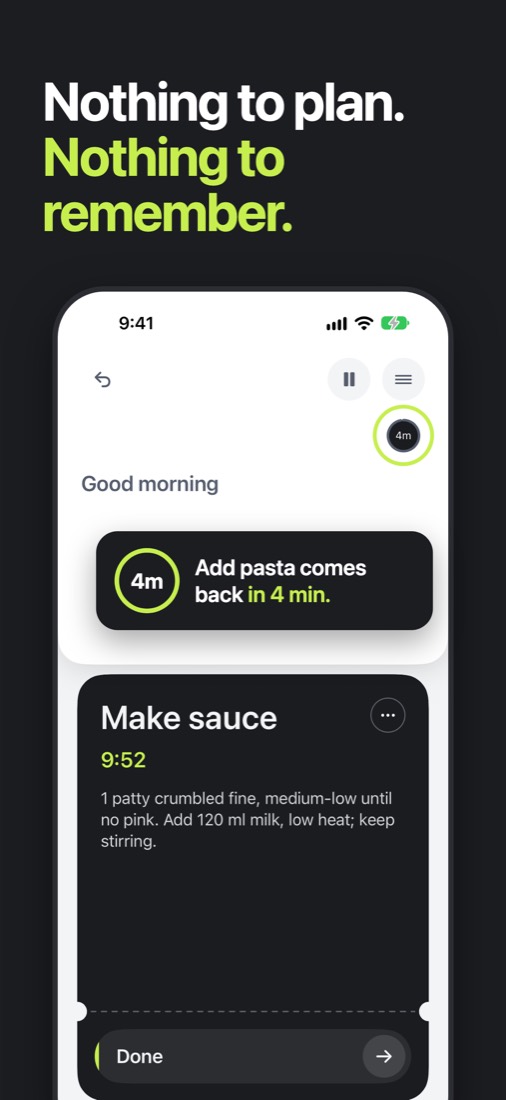
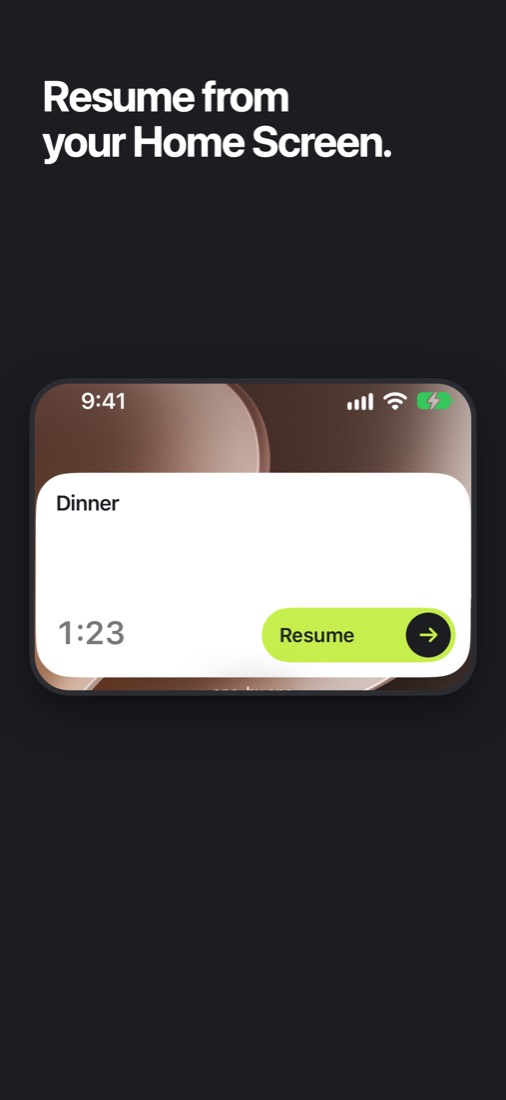
Home Screen widgets (small and medium) and a Lock Screen widget show the current card. Start or finish it from either without opening the app; on the Home Screen you can also skip it. The small widget also shows in StandBy.
Where one-by.one is not better
- It costs money. $12.99 a month or $59.99 a year, with a 14-day free trial on yearly for eligible new subscribers. Tiimo has a free version.
- You need your own AI. Tiimo works out of the box.
- iPhone only, in English. Tiimo covers iPad, Watch, Mac, Android and the web.
- No visual timeline or week view, the very thing Tiimo fans love.
- No team features, and it is new. It just came out on the App Store, with no ratings yet. It is also not a medical app.
Tiimo or one-by.one: which to pick
- Pick Tiimo if you want a free, calm, colorful timeline you build yourself, on more than one device.
- Pick one-by.one if you already talk to ChatGPT or Claude and would rather it plan the day while your iPhone shows only the next step. Get it on the App Store.