
Motion App Review 2026: What Reddit Users Say
On Reddit, Motion users praise one thing above all: its AI fills your calendar and moves missed tasks for you. The complaints are the flip side of that, plus price changes, a busy interface and slow support.
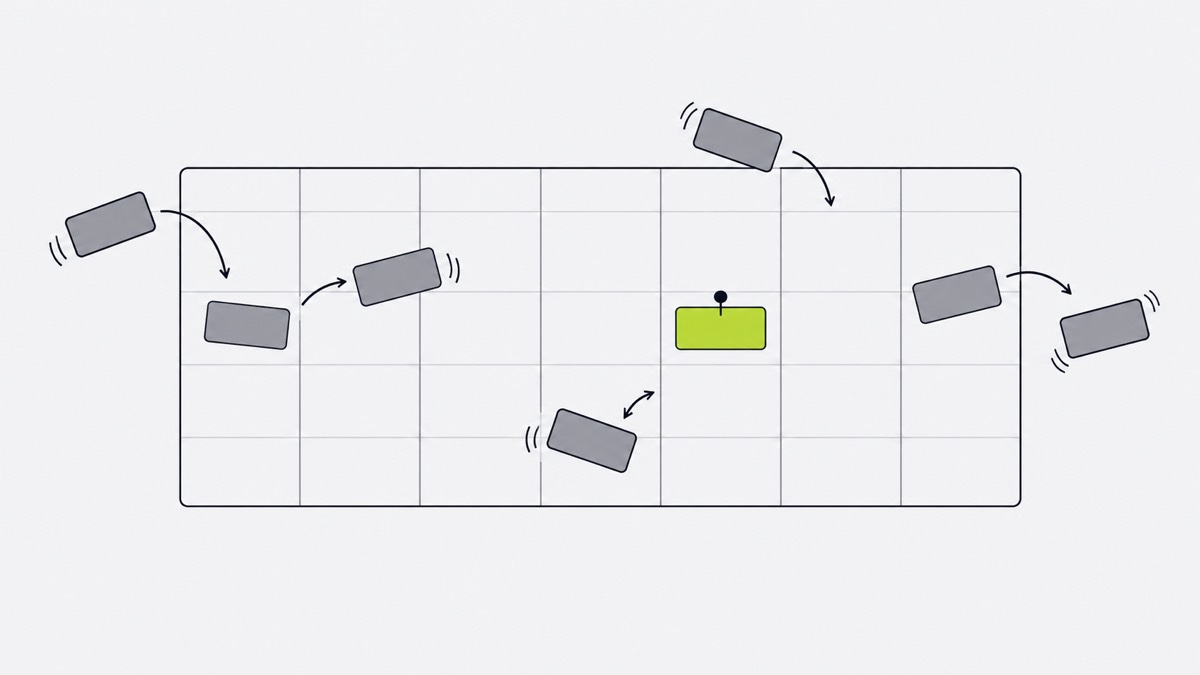
What Reddit users complain about in Motion
- Tasks move when you want them to stay. Pinning a task to an exact time takes work. “I constantly find myself manually moving tasks around” (r/UseMotion, October 2025).
- Price and plan changes. Long-time users left when AI features moved to a higher tier. “I could no longer justify the cost.” (October 2025)
- A lot to learn. Recurring tasks, subtasks and stages add up. “The whole thing is just overly complex.” (February 2025)
- Support. Users describe canned answers and tickets closed unfixed. “Support has been painful.” (October 2025)
- New projects before fixes. Some feel teams and AI now come first. “they took a hard pivot toward teams” (October 2025)
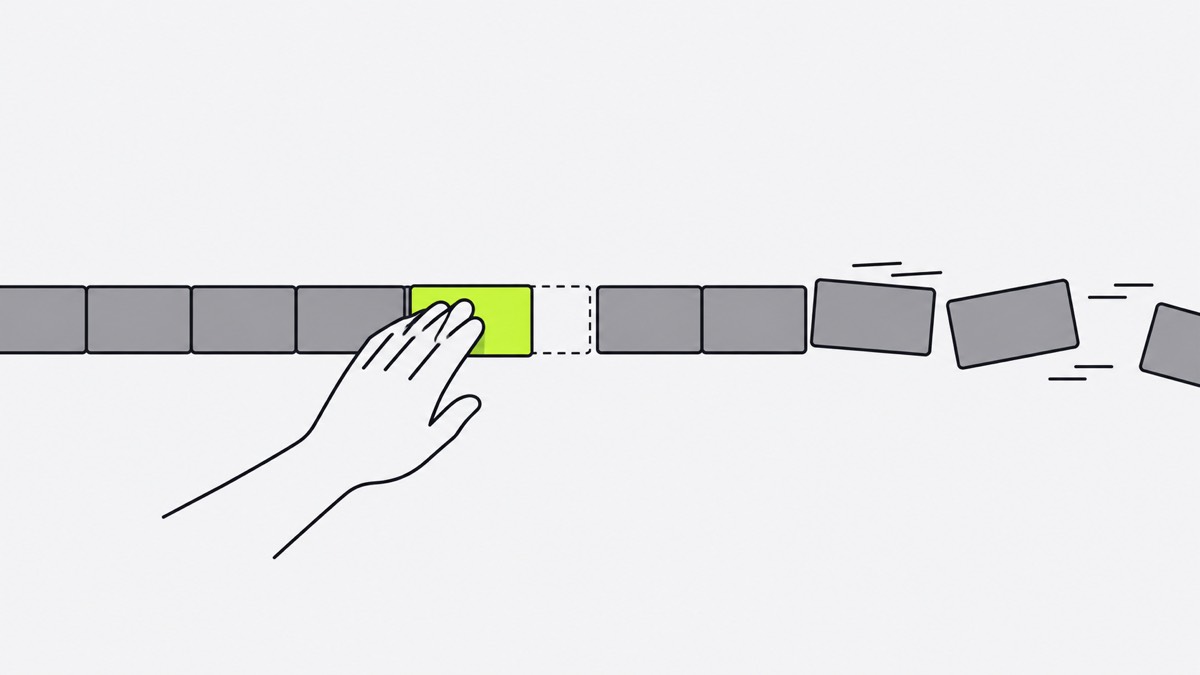
What Motion users love
- Hands-off rescheduling. Miss a task and Motion finds it a new slot. “the hands-off re-scheduling in Motion is indispensable for me.” (February 2025)
- One calendar for everything. Work, personal and project tasks land in one place.
- The iPhone widget. One user called out “the auto-updating widget on my iPhone” (February 2025). An Android user asked for a widget that can complete and add tasks (March 2025).
A Motion alternative: where one-by.one is different
one-by.one is our app. Your own AI plans the day, and the iPhone runs it one card at a time.
- Nothing reshuffles by itself. ChatGPT, Claude or another assistant with custom connectors plans the day in a chat. It fits habits between calendar events and to-dos and adds travel and prep. When you fall behind, Catch-up ticks recent cards done at once, and your AI re-plans the rest when you ask.
- Less to learn. One card on screen: Start, Done, Skip, and Undo for a mis-tap.
- No AI tiers inside the app. The app never calls a model; you use the AI you already have. $12.99 a month or $59.99 a year.
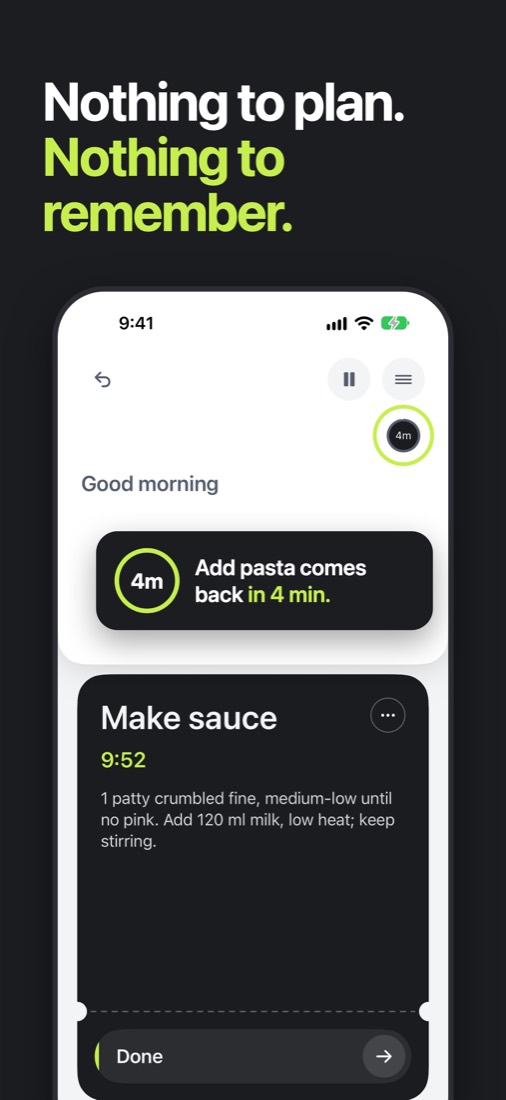
- Waits keep counting. One Motion user built a workaround for a missing delay timer between project steps (February 2026). one-by.one handles the everyday kind: start the laundry, and the 45-minute timer runs while you do the next card, then brings “move to dryer” back.
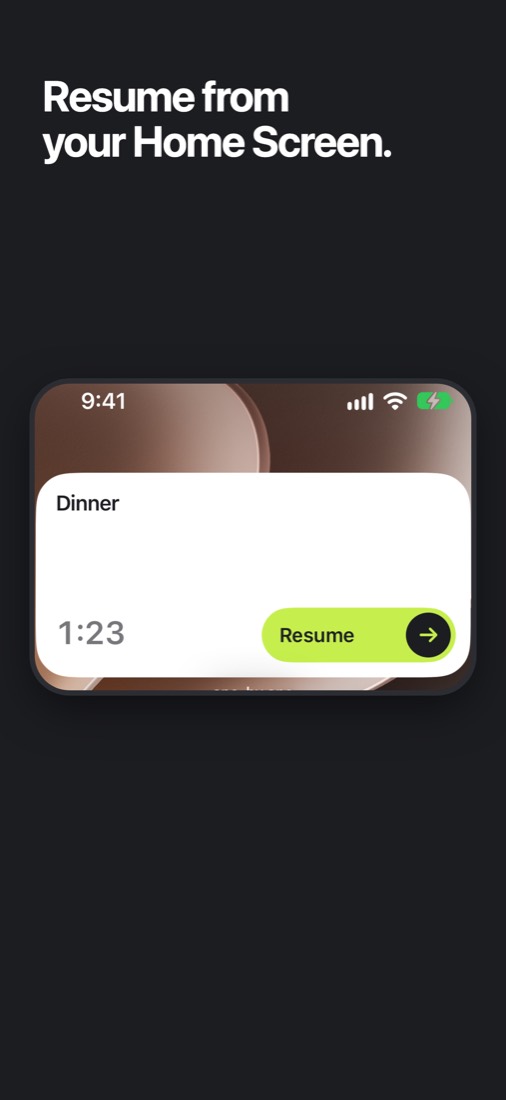
Widgets. Start or finish the current card from a Home Screen (small or medium) or Lock Screen widget without opening the app; on the Home Screen you can also skip it. The small one shows in StandBy.
Where Motion is better
- Auto-scheduling a full calendar. Motion re-slots missed tasks on its own; one-by.one re-plans only when you ask your AI.
- Teams and projects. Motion covers projects, docs and team work. one-by.one has no team features.
- Everywhere. Motion runs on web, desktop, iOS and Android. one-by.one is iPhone only, with an English UI and no timeline or week view.
- Track record. one-by.one is new, costs money with no free tier, needs your own AI, and just came out on the App Store.
Pick Motion or one-by.one
- Pick Motion if you want software to fill and re-fill a busy work calendar, alone or with a team.
- Pick one-by.one if you would rather plan by talking to your own AI and then just do the next card on your phone.
The setup guide is on the Connect page. For more options, see the best AI daily planner apps.