Structured App Alternative 2026: 5 Apps Like Structured, Free and Android
Reddit threads about leaving Structured point to TickTick for lists plus a timeline, Google Calendar for free time blocks and TimeTune on Android. Tiimo, a visual planner, and Sunsama, a desktop daily planner, round out the list. If you would rather not drag blocks at all, one-by.one lets your own AI plan the day and shows one card at a time.
Best Structured app alternatives
- TickTick: a to-do list with a calendar and a horizontal Timeline view. “Many on here have suggested TickTick as a good alternative” (December 2025).
- Tiimo: a visual planner, rated 4.6 from 21,624 ratings on the App Store.
- Google Calendar: free time blocks. “The only good thing next to structured i’ve found is google calendar” (September 2022).
- TimeTune: “If you are using android, try ‘TimeTune’” (December 2024).
- Sunsama: a desktop daily planner with companion phone apps, $22 a month or $204 a year, with a 14-day trial and no free plan.
Want the day planned for you instead? one-by.one lets your own AI plan it.
Structured app alternative on Reddit: why people look
Users report trouble moving blocks: “I cant suddenly drag any tasks to another time” (January 2026) and “a pain when I want to resize events and move them” (December 2024). Others hit the paywall: repeating tasks and calendar import need Pro, listed at $29.99 a year or $99.99 lifetime on the App Store.
Apps like Structured but free
- Structured’s own free plan keeps the timeline, inbox, subtasks, widgets and drag-and-drop (free vs Pro).
- Google Calendar is free on Android.
- TickTick is free with nine lists and a basic calendar view; Timeline view is in Premium at $49.99 a year.
- Tiimo has a free basic planner on iOS and Android (FAQ).
Structured app Android alternative
Structured itself is on Google Play, rated 4.6 from 32,870 ratings. For something else on Android, TickTick, Google Calendar, TimeTune and Tiimo, whose rebuilt Android app relaunched in May 2026, all run there.
A Structured alternative that plans for you
In one-by.one, our app, you do not place blocks. Your own AI plans the day: ChatGPT, Claude or another assistant, connected once on the Connect page. When the day slips, you ask it to re-plan, and your iPhone shows only the current card, with Start, Done and Skip.
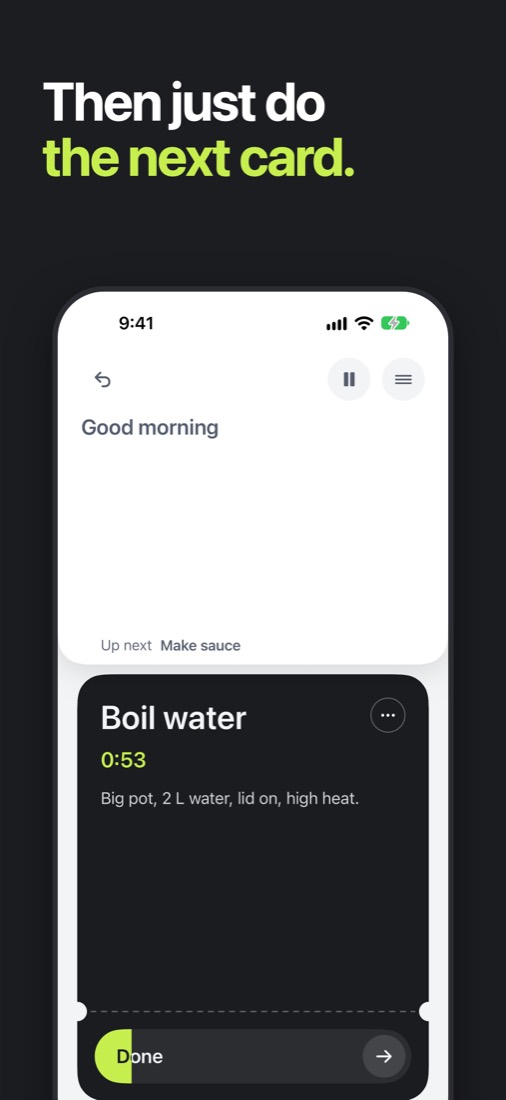
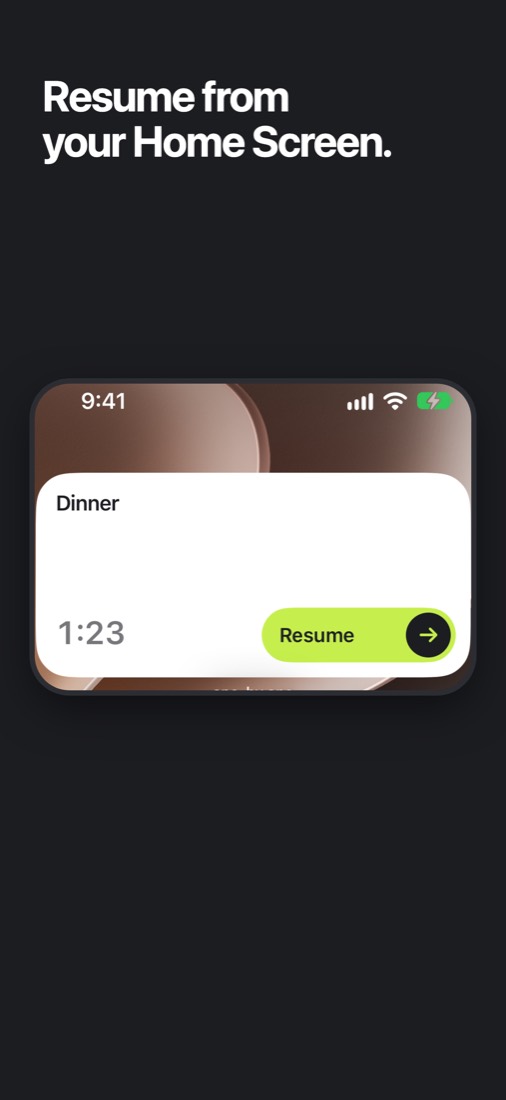
The current card also runs from a Home Screen or Lock Screen widget. Get one-by.one on the App Store.
Where it is not better: it costs $9.99 a year, it is iPhone only, it needs your own AI, it has no timeline or drag-and-drop, and it is a new app.
Apps like Structured: which to pick
- Pick TickTick if you want lists and a timeline in one app, on Android too.
- Pick Tiimo if you want a softer visual day and a free basic plan.
- Pick Google Calendar if free time blocks are enough.
- Pick Sunsama if you plan at a desk and the price fits.
- Pick one-by.one if your day slips often and you would rather your AI re-plan it. More on Structured itself in our Structured app review, and on Tiimo in Tiimo alternatives.