
Sunsama Review 2026: What Reddit Users Say
On Reddit, Sunsama users like its calm daily planning ritual and how it stops them from overplanning. The complaints are the price, a phone app that trails the desktop one, and a ritual that still leaves the planning to you.
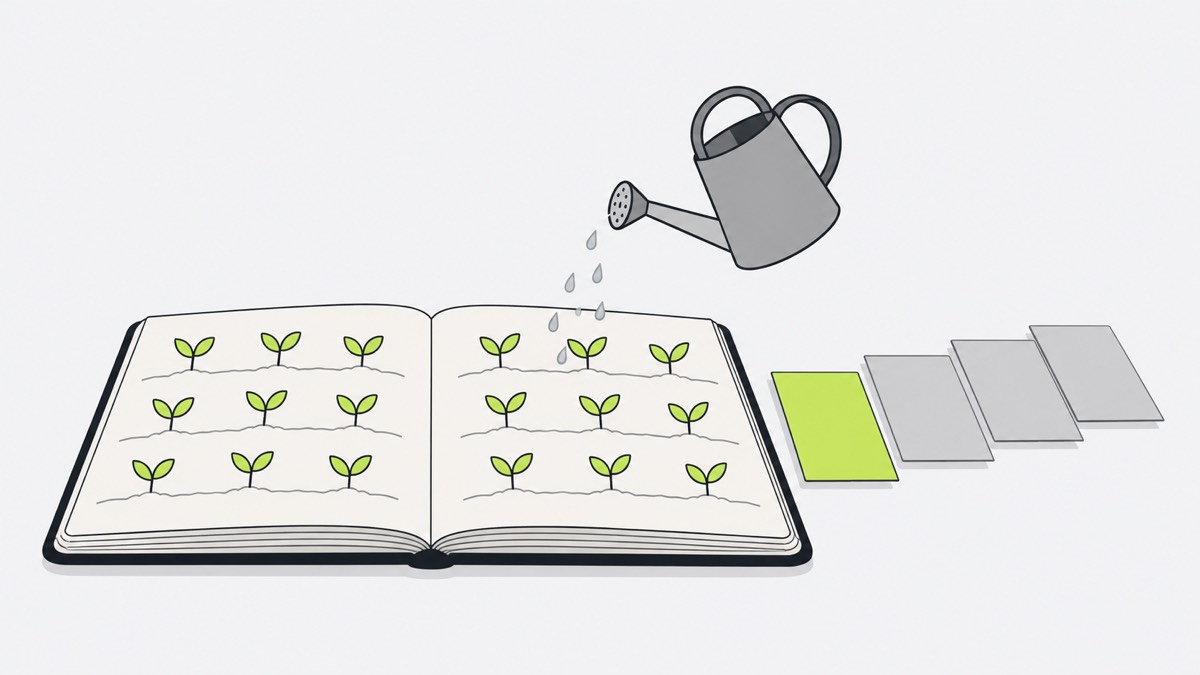
What Reddit users complain about in Sunsama
- The price. Sunsama is a paid subscription with a 14-day trial and no free plan. “I just can't justify the cost of it anymore.” (r/Sunsama, February 2026)
- The phone app trails the desktop. “the mobile app is subpar and I’m really disappointed.” (r/productivity, June 2025) Another user wanted today’s tasks on phone and Watch widgets (June 2025).
- The ritual turns into a chore. Some users report “the daily ritual becoming a 20-minute chore.” (r/ProductivityApps, July 2026)
- Planning is still your job. Some users find the planning too manual. “you still have to do most of the planning yourself” (June 2025)
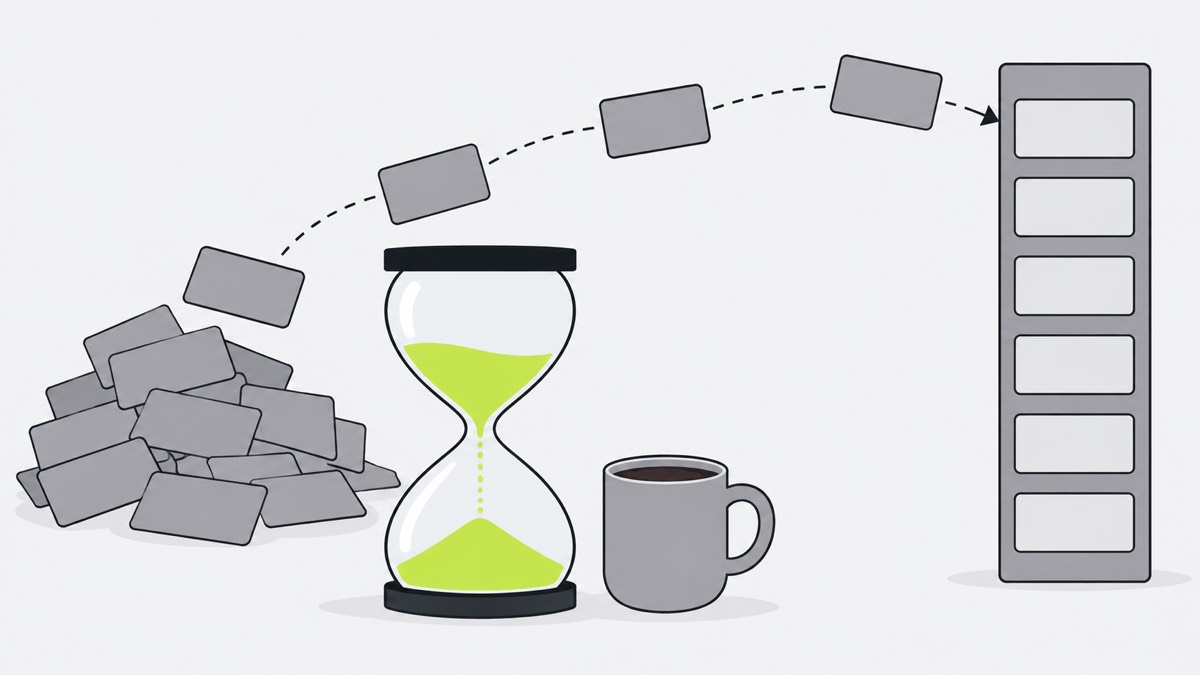
What Sunsama users love
- A realistic day. Seeing tasks beside the calendar “keeps you honest about not overplanning” (September 2026).
- Integrations. Tasks from Todoist, Google Calendar and Notion come into one day. “it imports my Todoist tasks.” (November 2025)
- Timers. Users like separate timers per subtask and seeing planned against actual time.
A Sunsama alternative: where one-by.one is different
one-by.one is our app. It skips the planning ritual: your own AI plans the day, and your iPhone runs it.
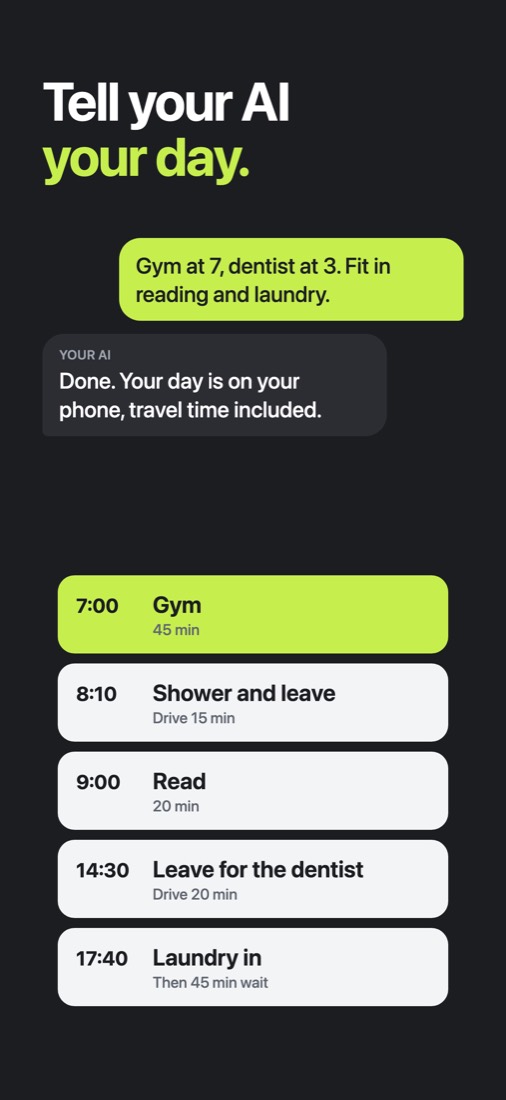
- Your AI does the planning. Tell ChatGPT, Claude or another assistant with custom connectors what is on today. It fits habits between calendar events and to-dos and adds travel and prep.
- The phone is the main app. It shows one card at a time: Start, Done, Skip, and Undo for a mis-tap. Waits keep counting while you do the next card, so laundry’s 45 minutes come back as “move to dryer”.
- Falling behind is one step. Catch-up ticks recent cards done at once; your AI re-plans the rest when you ask.
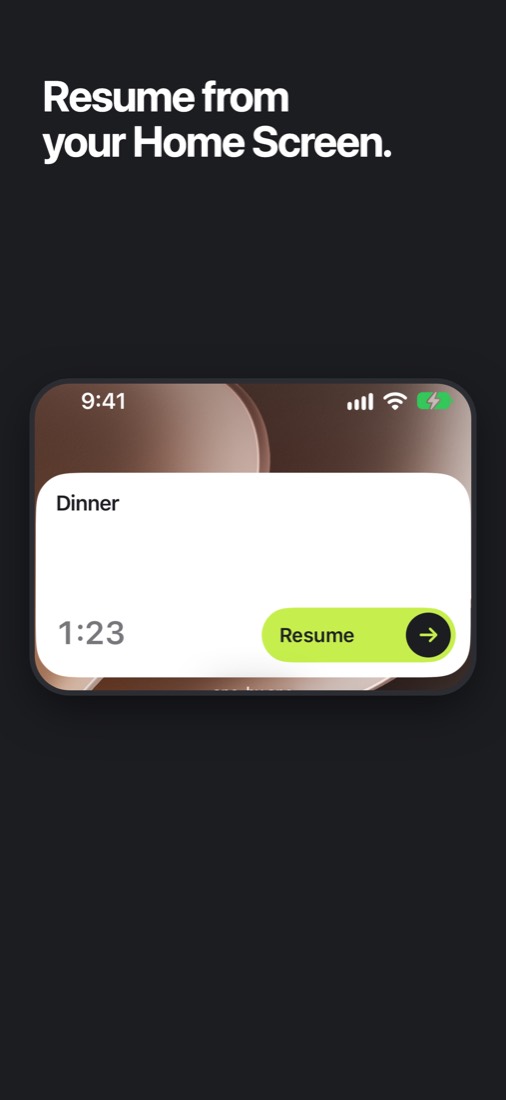
Widgets. Start or finish the current card from a Home Screen (small or medium) or Lock Screen widget without opening the app; on the Home Screen you can also skip it. The small one shows in StandBy.
Where Sunsama is better
- The guided ritual. If choosing your own tasks each morning is what keeps you calm, Sunsama is built for that.
- Integrations. Sunsama pulls in tasks from other tools. one-by.one’s AI reads your calendar events, and “Hide event names” shares only their times.
- Web and desktop. one-by.one is iPhone only, with an English UI and no timeline or week view.
- Track record. one-by.one is new, has no team features, costs $12.99 a month or $59.99 a year (14-day free trial on yearly for eligible new subscribers), needs your own AI, and just came out on the App Store.
Pick Sunsama or one-by.one
- Pick Sunsama if you enjoy planning at a desk and want every tool’s tasks on one calm screen.
- Pick one-by.one if you want your own AI to do the planning and your phone to show just the next card.
The setup guide is on the Connect page. For more options, see the best AI daily planner apps.